
Creating Instagram content for a small business can feel bigger than it should.
You are trying to come up with ideas, design graphics, write captions, organize everything, and still run the business itself.
If you are wondering what the best tool is to create Instagram posts for small businesses, the answer is not just one app.
The smartest setup is a content system where each tool handles one important job well.
These tools aren’t random recommendations. They’re the exact stack I’ve used with multiple small-business clients to cut content creation time in half while boosting engagement and consistency.
In this guide, I will list the best tools to create Instagram content for small businesses.
How to use them, and why this combination works so well in real day-to-day content creation.
Why Small Businesses Need The Right Instagram Content Tools
Small businesses do not usually have an in-house designer, strategist, writer, and video editor. In many cases, one person is doing all of it.
That is why the best Instagram tools are the ones that help you:
– Save time
– Stay consistent
– Create well-designed content
– Plan content in advance
– Avoid creative burnout
– Keep your message consistent
In short, the goal is to post better content with less stress.
Best Tools to Create Instagram Content for Small Businesses
1. ChatGPT
2. Canva
3. Google Gemini
4. Google Sheets
1. ChatGPT for Content Research, Post Ideas, and Content Calendars
If you create content regularly, you already know that one of the hardest parts is not posting. It is knowing what to post.
That is where ChatGPT becomes one of the best tools to create Instagram content for small businesses.
You can use it to:
– Brainstorm post ideas based on your niche
– Turn one topic into multiple posts
– Write captions, hooks, and carousel structures
– Build a monthly content calendar
– Repurpose one idea into Reels, carousels, Stories, and static posts
– Simplify your message for your audience
This matters for small businesses because content creation often gets delayed at the idea stage.
You can map your posts around goals like awareness, trust, engagement, and sales.
Note: ChatGPT does not replace your brand voice. It helps you develop content faster so you can spend more time refining it.
2. Canva for Designing Graphics and Making Reels
Canva is one of the best apps to create Instagram content for small businesses in 2026 because it keeps the design process simple without compromising quality.
You can use it to create:
– Instagram carousels
– Promotional posts
– Story graphics
– Reels with text, transitions, and music
It has thousands of mobile-optimized templates, built-in Reels editor with trending audio, animations, and text effects.
Also, Magic Studio AI tools for background removal, magic expand, and quick edits.
Canva is useful for small businesses because it removes the technical barrier.
You do not need advanced design skills to create clean, branded content.
You can build templates once and reuse them again and again, which saves a lot of time over a month.
It also helps with brand consistency with Brand Kits. You can keep the same colors, fonts, and logo.
This visual identity across your posts makes your business look more trustworthy.
3. Google Gemini for AI-generated Visuals
Visual quality matters on Instagram. A good idea can get ignored if the post cover does not catch attention.
Google Gemini is a strong option for creating AI-generated images for Instagram post covers and graphics.
Especially when you want images that feel polished, modern, and authentic.
It can help create studio-level clarity visuals or realistic smartphone-style imagery, depending on the type of content you want.
This makes Gemini useful for:
– Post covers for carousels
– Creative concept visuals
– Lifestyle-style supporting images
– Branded illustrations or scene-based content
– Scroll-stopping visuals for promotional posts
This can be a big advantage for small businesses.
Not every business has original photos available for every content idea.
Gemini can help fill that gap and make your content look more custom.
The strongest results come when you already know the topic, angle, and style you want before generating the image.
With Nano Banana 2, Gemini can help your content look more premium without the cost of a professional photoshoot for every post.
Note: The key is to use AI visuals intentionally. They should support your message. It should not replace reality.
4. Google Sheets For Managing Your Content Calendar
Google Sheets is one of the most useful Instagram tools for small businesses.
Why? Because good content creation is not just about ideas and design. It is also about staying organized.
A simple Google Sheet is still the smartest way to organize your entire Instagram strategy.
With Google Sheets, you can plan and sort your content by:
– Posting date
– Content pillar
– Post type
– Topic or hook
– Caption
– Graphic/Reels link
– Hashtags or keywords
– CTA
– Status on whether the post has been published
This helps you see your entire month at a glance.
It’s free, collaborative, and lives in the cloud.
It reduces repeated topics, helps you balance educational, promotional, and engaging content.
It also makes it easier to batch content in advance.
If you want content creation to feel more manageable, organization is part of the answer.
Google Sheets gives you that structure without making things complicated.
The Best Setup is A System
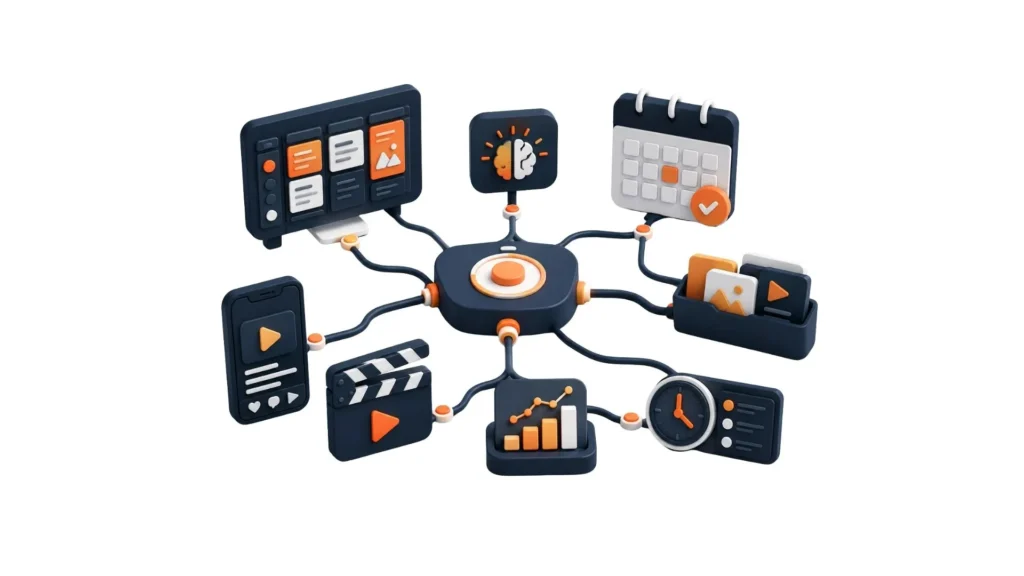
If you are asking what the best tool is to create Instagram posts for small businesses, here is the honest answer:
It is the combination of tools that works best.
A simple and effective workflow:
– ChatGPT to research ideas and plan content.
– Google Sheets to organize the content calendar.
– Canva to design graphics, create reels, and edit visual posts.
– Google Gemini to create eye-catching AI visuals when needed.
This workflow gives you a practical system from idea to finished post.
Also, read my guide on how often small businesses should post on Instagram in 2026 to determine the right posting frequency for your business.
FAQ About The Best Tools to Create Instagram Content for Small Businesses in 2026
What is the best tool to create Instagram posts for small businesses?
The winning combination is ChatGPT, Canva, Google Gemini, and Google Sheets. They cover ideas, design, visuals, and planning, all for free or at very low cost.
Which IG tools are most effective for small businesses?
ChatGPT for strategy and copy, Canva for graphic design and Reels, Google Gemini for custom AI images, and Google Sheets for content organization. They’re simple, powerful, and save time.
Best apps to create content for Instagram for small businesses?
Canva is one of the best apps for creating visuals and Reels. Pair it with ChatGPT and Gemini for the full creation process.
Best AI for Instagram posts?
Google Gemini is one of the best for high-quality image generation, while ChatGPT excels at captions, ideas, and planning. Use both, they’re free and complement each other perfectly.
Should I use AI for Instagram content?
Yes! Use AI for research (ChatGPT), image creation (Gemini), and quick design (Canva’s Magic Studio). Just remember that the best results come when AI supports your strategy, not replaces your brand voice.
How much do these tools actually cost?
All four have strong free versions. You can run your entire Instagram content system for $0–$60/month, even if you upgrade to ChatGPT Plus ($20/month), Canva Pro ($12.99/month), and Gemini Pro ($19.99/month) later.
I’m a complete beginner. Can I really use these?
Absolutely! Each tool is designed to be beginner-friendly. Start with one (I recommend Canva first), then add the others. You’ll be creating pro-level content within weeks.
Are AI-generated images safe to post on Instagram?
Yes, as long as they don’t replace reality, you disclose when required, and they don’t mislead customers (by faking results). Instagram’s algorithm actually favors high-quality visuals (AI or not), so focus on value and authenticity.
How do I track if this content strategy is actually working?
After posting, add a simple “Results” column in your Google Sheet (reach/impressions, followers, saves, reposts, leads/sales), which measures weekly or monthly performance. You can also let ChatGPT help you spot patterns.
In The End
The best tools to create Instagram content for small businesses are those that help you create content in less time.
You do not need a huge software stack. You only need reliable tools that help you plan, create, design, and organize content in a way you can actually maintain.
You now have everything you need to create consistent, quality Instagram content without the overwhelm.

Leave a Reply